
Let me start with a comment. If your organisation is licensed for Microsoft 365 E5 and has no insider risk policies turned on, that is crazy. You are already paying for one of the most effective data protection controls Microsoft makes, and it is sitting there doing nothing.
Many organisations pay for Microsoft 365 E5, run a Microsoft Purview project for labels and data loss prevention, and then skip Insider Risk Management. In my experience that is almost never a deliberate decision. It happens because people do not understand what it does, worry that it is a tool for spying on staff, or think data loss prevention already covers it.
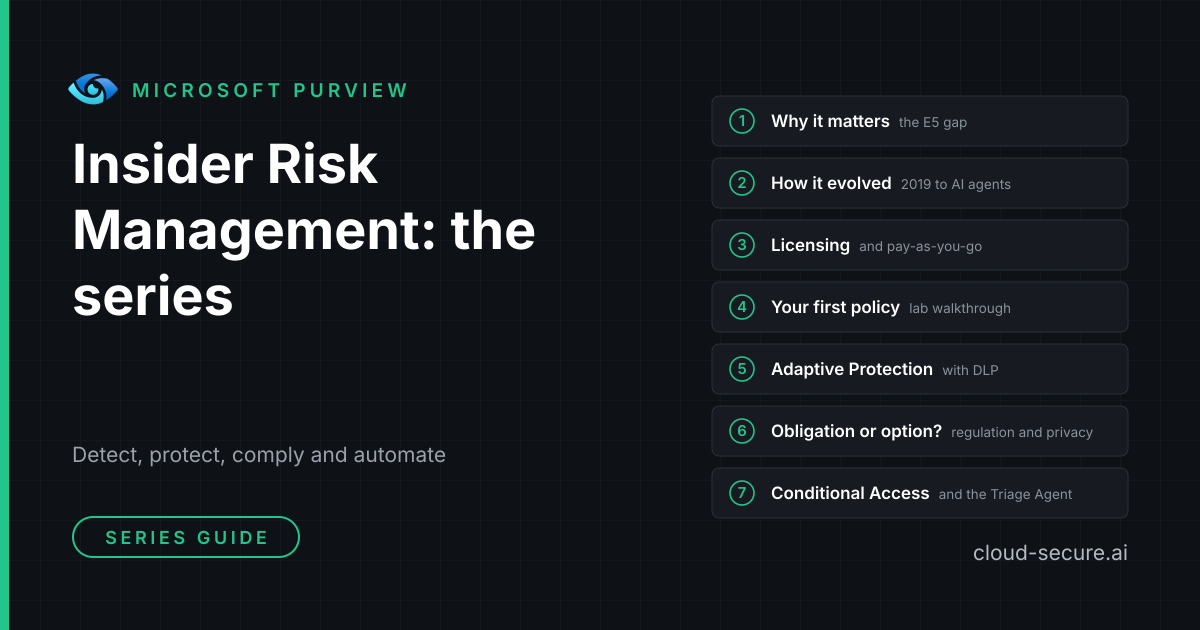
This seven-part series fixes that. It explains in plain English what insider risk is, how the product has changed, what it costs, how to build your first policy in a real test environment, how it lines up with GDPR and NIS2, and how it ties into Conditional Access and AI-powered alert triage.
My recommended approach: train your compliance officers in Purview Insider Risk Management and make them its owners, not your IT team. IT administrators have the widest access in the organisation, so they are among the people Insider Risk Management needs to watch – and nobody can fairly assess themselves. Control access to the Insider Risk roles that can see alerts with Microsoft Entra Privileged Identity Management (PIM), so it is switched on only when needed, for a limited time, and every activation is logged. Part 1 explains how.
The series at a glance
| Part | Post | What you will learn |
|---|---|---|
| 1 | The Purview workload everyone skips | Why E5 without insider risk policies is a gap, what insider risk really is, and how it differs from data loss prevention |
| 2 | From Ignite 2019 to AI agents | How the product grew from a reporting tool into the risk engine behind Purview, AI and AI agents |
| 3 | Licensing, prerequisites and pay-as-you-go | Who needs a licence, what else you need, and which extras are pay-as-you-go |
| 4 | Creating your first policy | A full lab walkthrough, the roles you need, the HR connector, and two PowerShell scripts to set up and test it |
| 5 | Adaptive Protection with DLP | Turning risk levels into data loss prevention rules that tighten automatically |
| 6 | Obligation or option? Regulation, privacy and the PII gap | Whether insider risk is a legal obligation, how it fits GDPR, NIS2, DORA and ISO 27001, and the PII gap |
| 7 | Insider risk in Conditional Access and the Data Security Triage Agent | Blocking risky people at sign-in and letting the Triage Agent sort the alert queue |
Where to start
- New to insider risk? Read Part 1, Part 2 and Part 3 in order.
- Ready to build? Go straight to Part 4, then Part 5 and Part 7.
- Data protection officer, HR or legal? Start with Part 6, then read Part 1.
- Short on time? Part 1 makes the case, and Part 6 answers the question your DPO will ask.
Scripts and KQL queries
Part 4 comes with two PowerShell scripts: Invoke-InsiderRiskSetup.ps1, which checks audit logging, assigns the Insider Risk Management roles and verifies your policy, and Invoke-InsiderRiskSimulation.ps1, which plays the part of a leaver in a test environment so you can prove the policy works. It also includes seven KQL hunting queries for Microsoft Defender, including a leaver activity timeline that works even without Insider Risk Management. Everything is on GitHub.
Seán O’Farrell | cloud-secure.ai

