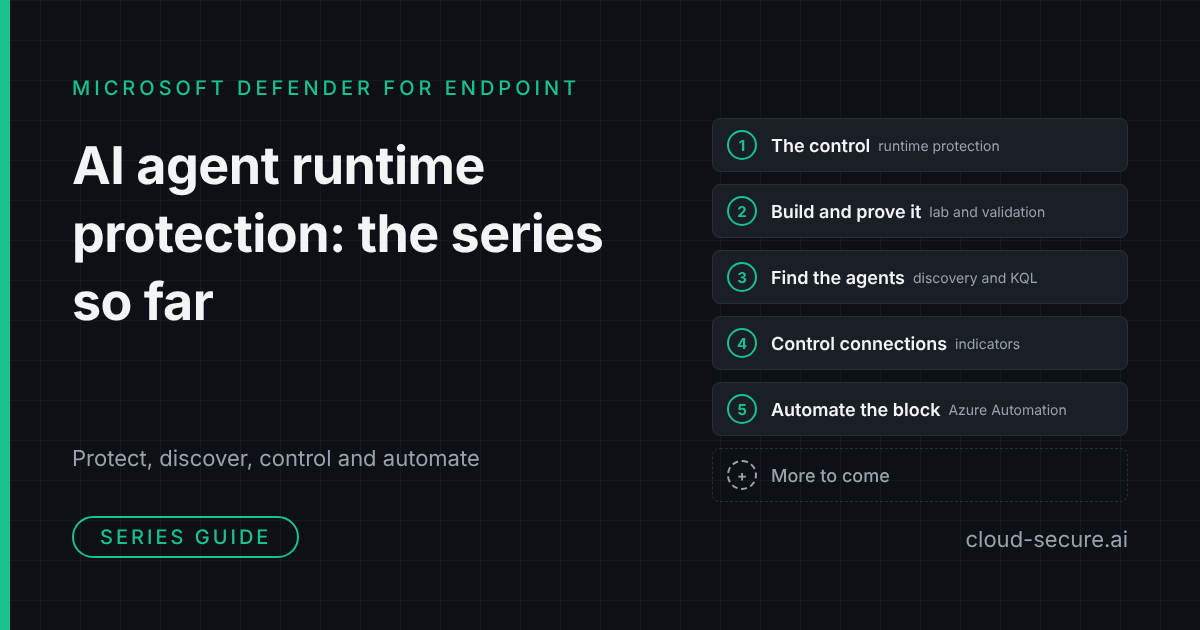
Series guide: five parts on securing the AI agents already running on your endpoints with Microsoft Defender for Endpoint – what each part covers, and where to start.
AI agents such as Claude Code, GitHub Copilot and Gemini CLI are already on managed endpoints, running with the full rights of the signed-in user and connecting to MCP servers that nobody has reviewed. This series works through what Microsoft Defender for Endpoint can do about that today – from detecting prompt injection, to finding the agents, to controlling and automatically blocking the servers they talk to.
Every part is built and tested in a lab tenant, with screenshots of what actually happened – including where the product or the documentation did not behave as expected.
The series at a glance
| Part | Question it answers | What you get |
|---|---|---|
| Part 1 | What is AI agent runtime protection? | How Defender detects prompt injection against local AI agents |
| Part 2 | Does it work, and how do I build it? | A lab build, validation, and the gaps in the documentation |
| Part 3 | Which agents are running on my endpoints? | The Local agents view, licensing and advanced hunting queries |
| Part 4 | How do I stop an agent reaching an MCP server? | Custom domain indicators, network protection and a custom detection rule |
| Part 5 | How do I block every new MCP server automatically? | An Azure Automation runbook that blocks by default, with scripts on GitHub |
What each part covers
Part 1: the control for agents already on your endpoints
The starting point: what AI agent runtime protection is, which agents it covers and how it detects prompt injection against agents running locally on your endpoints. If you are new to the topic, start here.
Part 2: building it, proving it, and where the documentation is wrong
The lab build and the validation work behind it. It shows the protection working end to end, and records where the published documentation did not match what the tenant actually served – so you do not lose the same time I did.
Part 3: finding the agents you did not know you had
Visibility before control. The Local agents view in the Defender portal, why discovery is activity based rather than installation based, the licensing split between the inventory and the risk assessment, and a set of advanced hunting queries that go well beyond what the portal shows.
Part 4: controlling where Claude can connect
Runtime protection does not decide which MCP servers an agent may reach. Part 4 closes that gap for a known server: a Defender for Endpoint custom domain indicator, enforced by network protection, blocks Claude Code from an unsanctioned remote MCP server. It covers why the indicator must be the bare domain, why Edge enforces it before network protection does, and a custom detection rule to alert on the blocks.
Part 5: blocking MCP servers you have not approved
An indicator only blocks the domains you list. Part 5 automates it: an Azure Automation runbook with a managed identity runs every hour, finds every new remote endpoint an AI agent has used, and blocks it with a Defender indicator and an alert. Approved servers are permitted with an Allow indicator. It is tested with Claude Code, GitHub Copilot CLI and Gemini CLI – an agent runtime protection does not support – and the scripts are on GitHub.
Where to start
- New to the topic – read part 1, then part 3 to see what is already running in your estate.
- Building a lab or a proof of concept – part 2.
- Need to control MCP servers now – part 4 for a single server, then part 5 to block every new one automatically.
More to come
The series is not finished. Microsoft is moving quickly on AI agent security in the Defender portal, and the next parts will follow the new capabilities as they arrive – including the new Sentinel workbook and automation features in the Defender portal – always built and tested in a lab before they are written up.
Follow along on cloud-secure.ai or connect with me on LinkedIn to hear when the next part is published.
The series
- Part 1: the control for agents already on your endpoints
- Part 2: building it, proving it, and where the documentation is wrong
- Part 3: finding the agents you did not know you had
- Part 4: controlling where Claude can connect
- Part 5: blocking MCP servers you have not approved
Seán O’Farrell | cloud-secure.ai

